
Your phone has quietly become the single most valuable object you’ll carry to Makkah. Not the most expensive — your passport wins that contest on paper — but the most consequential, because it holds everything at once: your Nusuk permits, your boarding passes, your hotel pin, your payment cards, your photographs, your banking, and your only line to the people you love. A generation ago, a pilgrim who lost a wallet lost some cash. A pilgrim who loses an unsecured phone today can lose access to money, identity and communication in a single moment. The good news is that nearly all of the protection worth having costs nothing and takes one evening at home to arrange. This chapter is that evening, laid out in order.
The honest threat model
Let’s start by sizing the risk correctly, because exaggerated fear is as unhelpful as none. Makkah and Madinah are, by the standards of cities hosting millions of visitors, remarkably safe. Violent crime against pilgrims is rare; the heavy security presence and the culture of the place see to that. What actually happens, in rough order of frequency, is this. First and by far the most common: phones get lost, not stolen — set down on a marble ledge during wudu, dropped from a pocket in a crush, left in a taxi at one in the morning after a long night of worship. Second: opportunistic pickpocketing in the densest crowds, which exists here as it does at every mass gathering on earth, and favours back pockets and open handbags. Third: digital rather than physical attacks — phishing messages dressed up as officialdom, and the low-level snooping that shared networks make possible. What essentially never happens is the sophisticated targeted attack that security marketing loves to dramatise. Plan for loss, guard against pickpockets, be sceptical of messages, and you’ve covered the real risks.
The evening at home: five jobs before you fly
Everything in this section is easier at your kitchen table than in a hotel room at midnight, and one of them is only possible in advance.
Back up the phone completely. iCloud or Google backup, switched on and verified — open the settings and confirm a backup actually completed recently, because a backup you assumed was running is the oldest trap in computing. Once the phone’s contents exist somewhere else, losing the device costs you hardware, not memories. Every photograph you’ll take at the Haram will flow into that same backup as you go, provided you let the phone sync on hotel Wi-Fi each night.
Harden the lock screen. A six-digit passcode at minimum — not your birth year, not 123456 — with fingerprint or face unlock layered on top for convenience. The lock screen is the entire difference between a lost phone that’s an expensive inconvenience and a lost phone that hands your banking, email and photos to whoever picks it up. While you’re there, disable message previews on the lock screen, so that a one-time banking code doesn’t display itself to a stranger holding your phone.
Enable remote find-and-wipe, then test it. Find My iPhone or Google’s Find My Device, switched on before travel. Then — this is the step nearly everyone skips — actually test it: log into iCloud.com or Google’s device page from a laptop or a family member’s phone, and confirm you can see your device on the map and that you know where the Erase option lives. The moment you genuinely need remote wipe is the worst possible moment to be resetting a forgotten iCloud password from a borrowed phone in a hotel lobby.
Get your card controls ready. Most banking apps now let you freeze a card instantly from the app — find that button now, while nothing is wrong. Know which cards you’re carrying, and note your bank’s international helpline somewhere that isn’t your phone. How to structure cards and cash for the trip — which cards to carry, what to keep in the safe, how digital wallets change the equation — is the business of our guide to money, cards and digital payments; the security point here is simply that a freeze you can execute in ten seconds defangs most card-loss scenarios entirely.
Update everything. Operating system and apps, before departure. Updates close the holes that scams and malware climb through, and hotel Wi-Fi is a slow place to download three gigabytes.
Public Wi-Fi, hotel networks and the VPN question
Free Wi-Fi is everywhere the pilgrim goes — airport, train, hotel, cafe — and the sensible attitude is calibrated, not fearful. For ordinary use — browsing, maps, WhatsApp, streaming a lecture — hotel and public networks are fine. Modern apps encrypt their traffic as a matter of course, and the days when a hotel network laid your messages open to the room are largely past. The narrower caution: on a shared network you can’t be sure who runs it or who’s on it, so keep the genuinely sensitive things — banking, entering passwords, completing payments — on your own mobile data. Saudi data is cheap and fast, as our guide to SIMs, eSIMs and mobile networks lays out, so this costs you nothing but the habit. Switch off auto-join for open networks, too, so your phone doesn’t attach itself to “Free_Airport_WiFi” without asking you.
On VPNs, the question every traveller asks: as of mid-2026, using a VPN is not in itself against the law in Saudi Arabia, and reputable VPN apps remain available and widely used by residents and visitors for exactly the purpose we’re discussing — encrypting traffic on shared networks. What the law does prohibit is using any tool, VPN included, to reach content that’s blocked in the Kingdom or to commit an offence; the technology is lawful, certain uses of it aren’t. For a pilgrim, the practical position is simple: a reputable paid VPN used for security on public Wi-Fi is a legitimate, sensible tool. If you’d rather not think about it at all, simply doing sensitive tasks on mobile data achieves most of the same protection with no software whatsoever.
Charging safely: your own adapter beats a public port
You’ll see charging stations in airports and around the hotels, rows of USB sockets offered freely. The security worry attached to them — “juice-jacking”, where a rigged port reads data off a connected phone — is genuinely rare in practice, and modern phones ask before trusting a data connection. But the fix costs nothing, so take it anyway: charge from your own plug adapter in a wall socket, or from your own power bank, rather than from an unknown USB port. A charge-only adapter or cable settles the matter permanently if you want it settled. The more common charging problem is mundane: too few sockets and too many devices, which is why a small multi-port charger and a power bank in the daypack serve you better than any amount of caution. Power banks fly in cabin baggage only — never in the hold — and airlines cap their capacity, so check your carrier’s rule before packing a large one.
Holding on to it: phones in the crowd
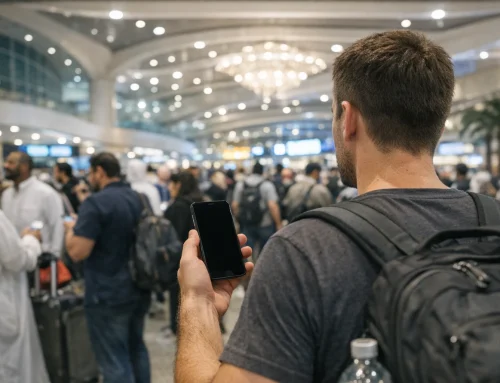
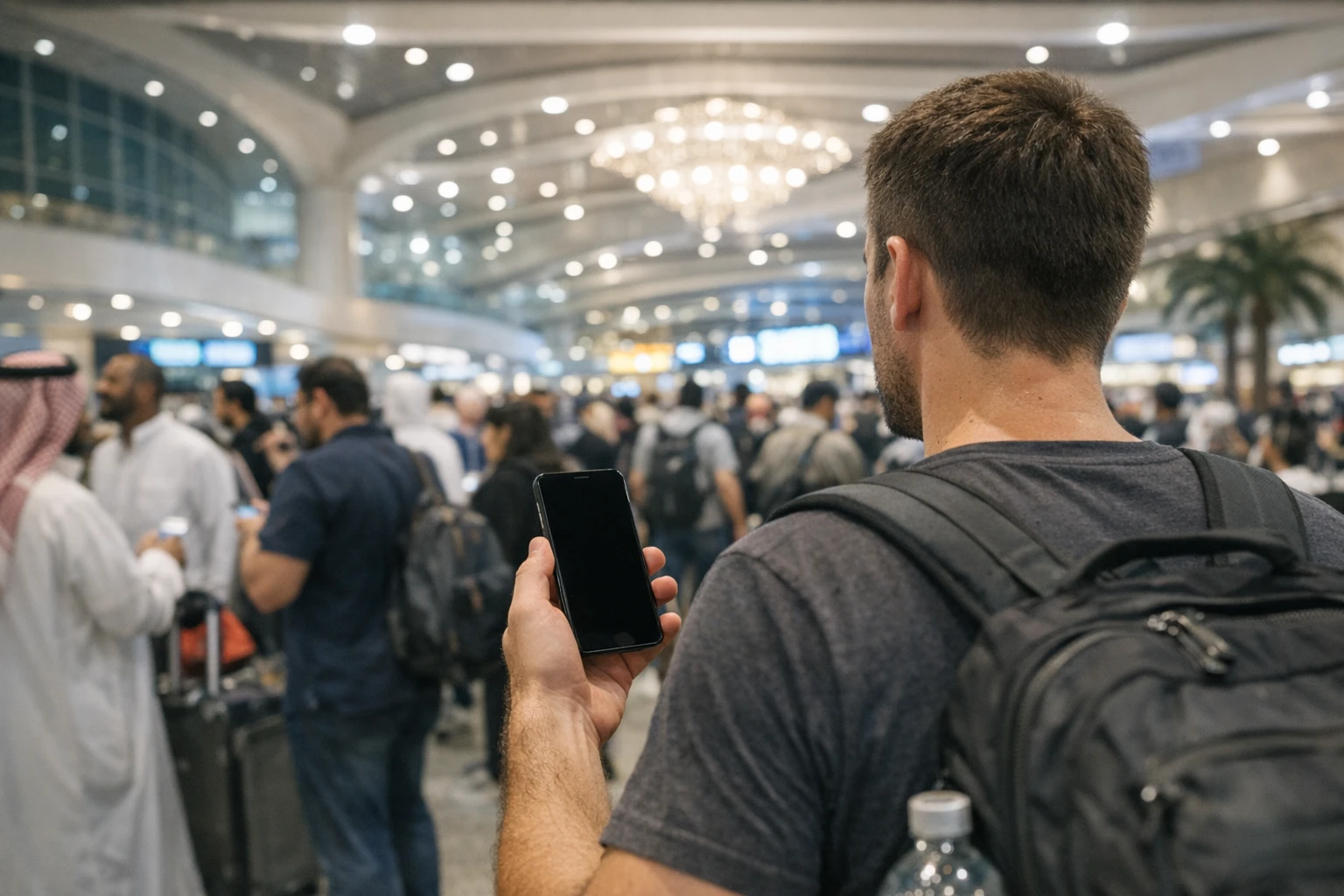
Physical security in the holy cities is mostly about the crush, not the criminal. In the densest crowds — the mataf during peak hours, the gates after prayer, the markets in the evening — a phone in a back pocket is an invitation, and a phone in a loose jacket pocket is a donation to the marble floor. Front pockets, zipped if possible; a cross-body bag worn in front of you rather than behind; and for tawaf specifically, consider whether the phone needs to be in your hand at all — a phone gripped loosely while you’re jostled is the single most common way devices are lost there. A simple wrist strap or lanyard case, unfashionable as it looks, has saved more pilgrims’ phones than any app. Men in ihram face a particular problem, since ihram has no pockets: a money belt or small shoulder bag worn under or over the garments is the standard solution, and it should hold the phone zipped, not tucked. For how to move through the heaviest crowds generally — timing, positioning, exits — see our chapter on dealing with crowds.
The hotel safe, and where the passport sleeps
Every pilgrim eventually stands in front of the room safe holding a passport and hesitating. The honest answer is that both choices are defensible. Saudi law expects you to be able to identify yourself, but in practice a clear photocopy plus your iqama-style Nusuk digital record satisfies almost every everyday situation, and hotel rooms in the central areas are professionally run and low-risk. Most experienced pilgrims settle on this arrangement: originals in the room safe, a paper photocopy in the daypack, another photocopy in a different bag, and photographs of every document in the cloud. If carrying the original passport makes you feel safer, carry it in a zipped inner pocket and accept the trade-off knowingly — the street risk of loss is almost certainly higher than the room risk of theft. What you should never do is the worst of both: carrying the original loose in an outer pocket while the photocopies sit uselessly at home.
Account hygiene: the OTP trap and the email that guards everything
Here’s the failure that catches otherwise careful travellers. Your email account is the master key to everything — every password reset flows through it — and if its two-factor authentication is set to text a code to your home SIM, you may find yourself abroad, with your home SIM removed or unable to receive texts, locked out of the very account you need to recover everything else. Before travel, open your main email account’s security settings and make sure you have a second factor that works anywhere: an authenticator app on the phone itself, backup codes printed and tucked into your document wallet, or a trusted family member’s number added where the service allows. The same OTP problem bites banking apps that insist on texting your home number — our connectivity guide explains how to keep your home number reachable on a dual-SIM setup while using Saudi data. Ten minutes of settings work at home closes the trap completely.
The message that says your permit is cancelled
Now the scam you’re statistically most likely to actually meet. Where millions travel with money and urgency, phishing follows, and pilgrimage phishing has become depressingly professional: messages by SMS, WhatsApp or email claiming to be from Nusuk, the Ministry, your airline or your bank, telling you a permit has been cancelled, a payment has failed, a booking will lapse — unless you tap the link and confirm your details. Security researchers have tracked lookalike Nusuk websites built precisely to harvest passport and card details, and police forces in several countries issue warnings each season. The defence is one habit, applied without exception: never act on a link that arrived in a message. If a message says your permit has a problem, open the Nusuk app yourself and look. If it says your card was declined, open your banking app yourself. Officialdom communicates through its own apps and does not herd you toward urgent links; the manufactured hurry is itself the signature of the scam. Everything about how the real system works — what Nusuk actually sends you, where permits live — is in our guide to creating and using your Nusuk account.
Family devices: children’s tablets and shared rules
If children are travelling, their devices deserve five minutes of thought too. Load the tablet with offline content before the flight — downloads, not streaming hopes — and check its content filters, because the apps and platforms children use fall under different regional rules abroad and unfiltered defaults can surface things you’d rather they didn’t meet at thirty thousand feet. Agree the family device rules before departure rather than litigating them in the Haram courtyard: where devices live during prayer, who carries what in crowds (children carry nothing valuable), and what happens to screens after a certain hour. A child’s tablet left in a seat pocket is among the most commonly lost objects in pilgrimage travel; a name label and a habit of counting devices at every departure — off the plane, out of the taxi, leaving the room — costs nothing.
Photograph everything before you leave
One deliberate session with your phone camera, the week before travel: passport photo page, visa, vaccination certificate, insurance policy and its emergency number, driving licence, hotel confirmations, return tickets, the IMEI number of your phone (dial *#06# and photograph the screen), and the fronts of the cards you’re carrying. Let those photos sync to the cloud, and share the folder with one trusted person at home. This is the cheapest insurance in the whole chapter: whatever is lost, a legible copy exists in two places neither of which is in your luggage.
If the worst happens anyway
Preparation means the bad day has a script. If your phone is lost or stolen, work the sequence calmly and in order.
- From any other device — a companion’s phone, a hotel computer — log into Find My or Google’s device page. Try locate and the lost-mode lock first; a phone showing at your hotel is merely misplaced.
- If it’s genuinely gone, erase it remotely, then call your provider to suspend the SIM so nobody can receive your codes.
- Freeze cards stored in the phone’s wallet from your banking app or bank helpline — this is where the pre-saved helpline earns its place.
- Report the loss to police and get a reference; your travel insurance will want it, along with the IMEI you photographed. Your tour operator or hotel can help with where and how, and our chapter on emergency situations and contacts carries the details.
- Change your email password from a trusted device, since email is the master key.
Done in that order, a stolen phone becomes a paperwork exercise rather than a security breach — the wipe protects the data, the freeze protects the money, the backup protects the memories, and the copies protect the journey. Which is the whole point of the evening at home: not to travel fearfully, but to make yourself the kind of traveller for whom nothing digital can go badly wrong, and then to put the phone in a zipped front pocket and forget about it while you worship.

Leave A Comment