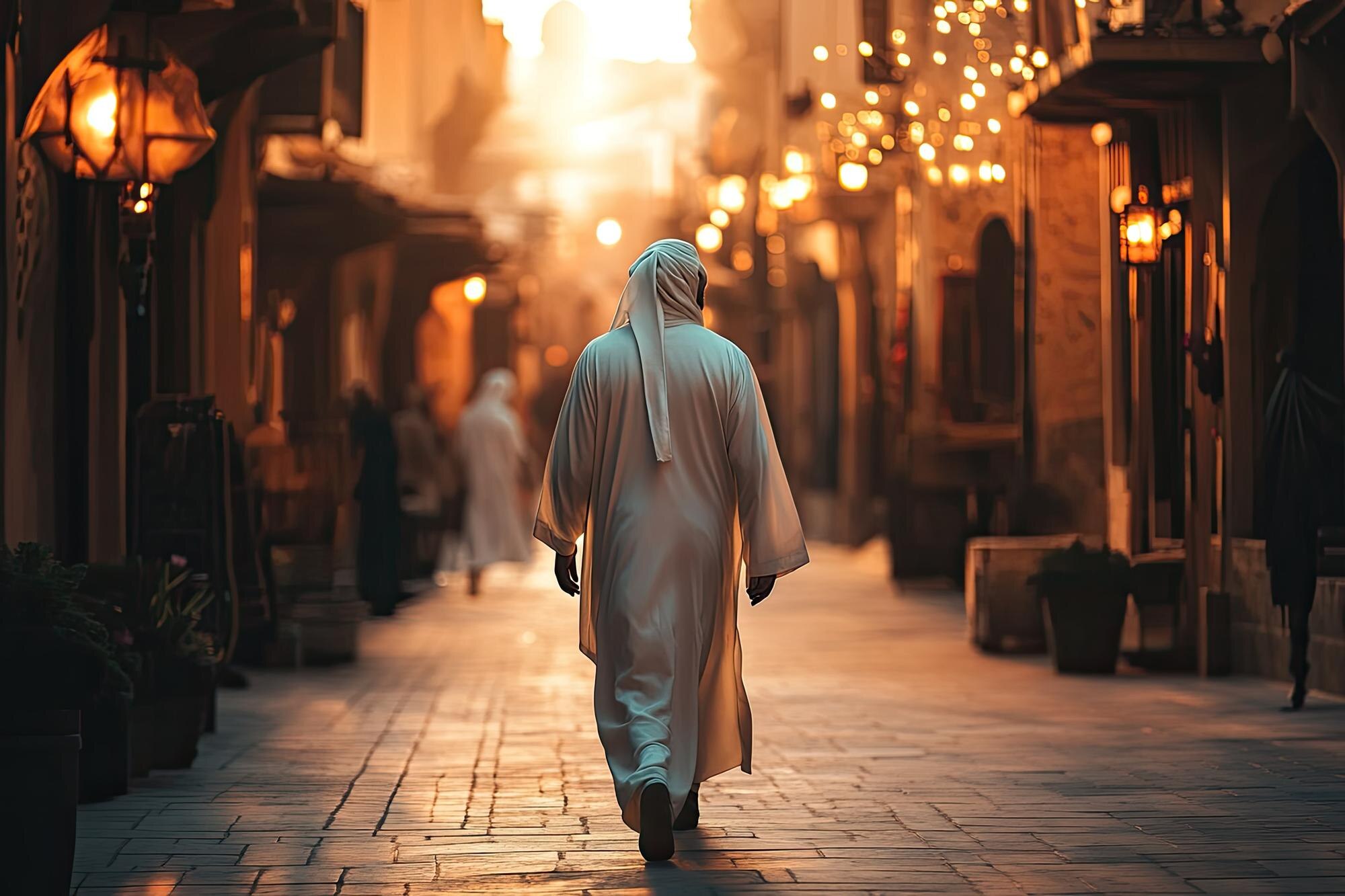
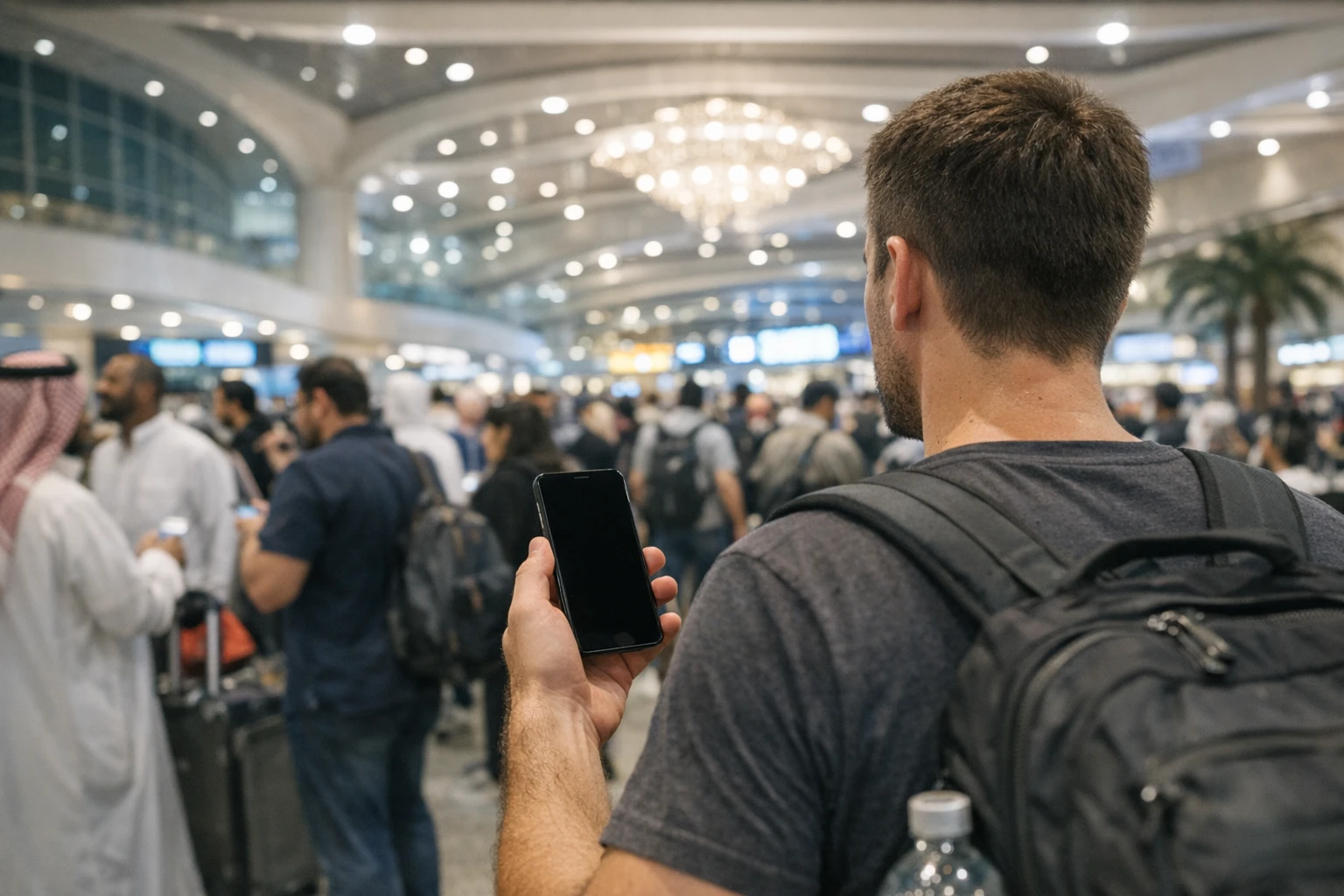
Every pilgrim now travels with two guides: the human one holding a flag in the arrivals hall, and the glass one in their pocket. The second has quietly become the more powerful of the two. Your phone can hold your Umrah permit, your train ticket, your hotel pin, your Quran and your taxi — and it can do all of that while you keep your eyes up and your heart where it belongs. But only if you set it up properly, and only if you resist the urge to install everything with the word Makkah in its title.
What follows is the honest short-list of Umrah apps as of mid-2026, sorted by what each one actually does for you, along with the handful you should refuse to install at all. The most useful piece of advice comes first, because everything else depends on it: do this work at home, on your own Wi-Fi, in the week before you fly. An app downloaded, signed in and tested from your sofa is a tool. The same app downloaded in the arrivals hall at Jeddah, on a fresh SIM, with a fading battery and a queue building behind you, is stress you imported voluntarily.
Nusuk: the one app that is not optional
Start with Nusuk, the official platform of the Saudi Ministry of Hajj and Umrah. As of mid-2026 it is the only legitimate channel for the two permits that shape your trip: the Umrah permit itself and the appointment to visit the Rawdah in Madinah. Without a valid permit showing in Nusuk you can be turned away at the Haram, however far you’ve travelled and however valid your visa. There are no country-based exemptions and no side doors.
Because it carries so much weight, Nusuk deserves unhurried setup rather than a paragraph here. We’ve written a full guide to creating and using your Nusuk account — registration quirks, family bookings, the errors that trip people up — and a separate walkthrough on booking your Umrah slot so you get the time you actually want. For the purposes of your app list, three things matter: download it only from the official Apple or Google store, sign in and verify your account before you leave home, and screenshot every permit once issued so the QR code survives a dead network.
One more habit worth forming early: treat Nusuk as the source of truth. If a tour operator, a website or a stranger on social media tells you something different about permits, Nusuk is right and they are not.
Tawakkalna: still worth a place on your phone?
Ask a returning pilgrim about Tawakkalna and you’ll usually get a shrug and a memory of pandemic-era health passes. The app has outlived that chapter entirely. It is now Saudi Arabia’s general digital-government platform, run by SDAIA, and the Kingdom’s stated aim is to route nearly all government services through it by the end of 2026.
So do visitors still need it? Strictly speaking, no — as of mid-2026 it isn’t legally required for a short-stay pilgrim. But it has become genuinely useful rather than merely tolerated. Visitors can register with just a passport and visa details, no Saudi resident sponsor or Absher account needed, and once registered the app can display your permits, serve as a backup digital ID and show crowd information around the holy sites. The sensible position: install it at home, register in ten minutes, and then mostly forget about it. It’s the spare key of your app list — rarely needed, reassuring to have.
Trains, taxis and moving between the cities
Two transport apps earn permanent places. The first is the Haramain High-Speed Railway app (the website works just as well), which sells tickets for the fast line linking Makkah, Jeddah, its airport and Madinah, stores your boarding pass and lets you change bookings without queuing at a station counter. Trains sell out around weekends and school holidays, so book before you fly rather than after you land; our guide to the Haramain railway covers classes, prices and the luggage rules that surprise people.
The second is ride-hailing, and here the honest advice is to install both Careem and Uber. Careem is the regional heavyweight (Uber owns it, but the apps run separately), and at any given moment one may show cars and calm prices while the other shows surge. Add your payment card to each at home — typing card numbers one-handed in a hot car park after Jumu’ah is nobody’s idea of worship. Fares, pickup strategy around the Haram closures and the women’s-safety angle are all covered in our taxis, Uber and Careem guide.
Prayer times and qibla: choose simple, guard your location
In Makkah and Madinah you barely need a prayer app; the adhan is the city’s soundtrack and the qibla question answers itself when the Ka’bah is visible from your hotel window. Where a prayer app earns its keep is on travel days, in airport lounges and in hotel rooms where you want a quiet nudge fifteen minutes before the congregation forms.
The obvious name is Muslim Pro, and it deserves an honest word. It remains the most feature-stuffed option, but in 2020 it emerged that location data from the app had reached a broker whose clients included the US military, and although the company ended that relationship after the backlash, the episode taught a lasting lesson: a prayer app knows exactly where you are five times a day, and that data has a market value. If you keep Muslim Pro, deny it precise location and background access, and expect heavy advertising unless you pay.
The simpler alternatives have aged well. Pillars, built by volunteers largely in response to that scandal, calculates prayer times on the phone itself so your location never leaves the device, and it carries no ads. Open-source options such as Awqat Salaat do the same for Android. A prayer app needs to do three things — accurate times, a reliable notification, a qibla arrow — and the smaller apps do all three without monetising your whereabouts. Choose one, set it to Makkah’s calculation method, and move on.
The Quran on your phone
Waiting is a structural feature of pilgrimage: the train to Madinah, the hour before Fajr, the slow shuffle through the Haram’s gates. A good Quran app turns that waiting toward the Book instead of the feed. The Quran.com app (published by Quran Foundation) is the quiet standard — clean Uthmani script, dozens of translations, recitation audio, no ads and no account required. Download your preferred reciter and translation for offline use before you travel, because streaming audio in the post-prayer crush is optimistic.
If you’re working on memorisation, Tarteel is the one genuinely new idea in this category: it listens to your recitation, follows along on screen and flags the words you slipped on. The core features are free, the advanced memorisation tools sit behind a subscription, and it works beautifully in a quiet hotel room even if you’d never recite to your phone in the mosque itself.
Offline maps: the cleverest ten minutes of preparation
Here is the single highest-value trick in this whole guide. Open Google Maps at home, search for Makkah, tap the city name, choose Download offline map, and drag the rectangle generously so it swallows the whole city and the road to the Haram. Do the same for Madinah, and for Jeddah if you’re landing there. The download costs a few hundred megabytes and roughly ten minutes; what it buys you is a map that still shows your blue dot and gives walking directions when the network has collapsed under the weight of a hundred thousand phones leaving Isha at once.
Network congestion around the Haram after congregational prayers is real and predictable — every tower is oversubscribed at exactly the moment everyone wants directions. An offline map doesn’t care. It also keeps working in hotel basements, in the mall food courts and on the day your data package quietly runs out.
While you’re in the app, drop a pin on your hotel the moment you know the address, save it and label it. Makkah’s towers look identical at night and the gate you exit from is rarely the one you entered by; a saved pin turns lost-and-exhausted into eleven-minutes-away-on-foot. How to share live locations with your group and agree meeting points has its own guide, because families get separated far more often than anyone plans for.
Translation: one app, one download
You will meet the language gap at pharmacy counters, in taxis and over restaurant menus, and Google Translate with the Arabic pack downloaded for offline use bridges nearly all of it. The camera mode — point the lens at a sign or a menu and watch it rewrite itself in English — feels like a small miracle the first time you use it on a juice-shop price list. Download the offline pack at home; it’s the difference between a tool that always works and one that works until the network doesn’t. For phrases worth learning outright and what to do when no app is to hand, see our guide to translation apps and the language gap.
Your banking apps and the freeze button
Before you travel, update your bank’s own app and find one feature inside it: the card freeze. Most banking apps now let you lock a lost card in two taps and unlock it just as fast if it turns up in the other bag. Knowing exactly where that switch lives — before you need it, in a crowd, at night — is worth more than any travel insurance hotline. Turn on instant transaction notifications too, so a skimmed card announces itself immediately rather than on next month’s statement.
Two related warnings live elsewhere in this section of the guide. Saudi Arabia is heavily cashless and your cards will work almost everywhere — the full picture is in our money guide — but your bank will try to confirm logins by texting your home number, which is a problem if that SIM is sitting in a drawer in Birmingham. The fix is explained in our connectivity guide; the short version is to keep your home number alive on dual SIM.
Food delivery: HungerStation and Jahez
On the nights when the walk back from Tawaf has emptied your legs, food delivery is a mercy. The two big Saudi platforms, HungerStation and Jahez, both operate busily in Makkah and Madinah as of mid-2026, and between them they cover everything from Al Baik and Kudu to Indian, Turkish and Indonesian kitchens. Typical delivery runs twenty-five to forty-five minutes off-peak; around prayer times and in Ramadan it stretches, and some restaurants pause entirely at the peaks.
Two practicalities: most hotels near the Haram have couriers deliver to the lobby rather than your door, so keep your phone on you after ordering; and both apps take international cards but sign-up goes more smoothly with a working local number, which is one more argument for sorting your SIM early. For elderly companions, one person’s account can feed the whole room — there’s no need for everyone to register.
Weather, heat and air quality
You don’t need a new app for this; the weather app already on your phone does the job. What you need is the habit of checking it, because Makkah in summer regularly passes forty degrees and the marble courtyards radiate heat well after Maghrib. The number worth watching is the daytime peak, which should shape when you schedule Tawaf. If you or a companion has asthma or a heart condition, add an air-quality reading to the routine — dust events do happen, and the built-in weather apps on both iPhone and Android now show an air-quality index without any extra install.
The quiet cost of a bloated phone
Every app on this list is cheap individually and expensive collectively. Each one wants background refresh, notifications, location and a slice of your battery, and a phone carrying sixty apps into the Haram’s crowds will die by Asr. So be deliberate. Install what this guide recommends, delete the six other qibla apps you downloaded in a moment of enthusiasm, and switch off background refresh for everything except Nusuk, your maps and your messaging.
Do your updating at home too. App updates are large, hotel Wi-Fi is shared with four hundred other pilgrims, and the week before travel is exactly when Nusuk tends to ship changes. A phone fully updated on your home connection, with a couple of gigabytes of storage kept free for photos and offline maps, is a phone that won’t ask anything of you once you arrive.
Five minutes of permissions hygiene
Before you fly, walk through your phone’s privacy settings once. The rule of thumb is simple: location set to while using the app rather than always, for everything except the one app your family uses to find you; microphone and contacts denied to anything that hasn’t given you a convincing reason; notifications stripped back so the only things that buzz in the mosque are the people you love. A prayer app does not need your contact list. A delivery app does not need your microphone.
This matters more on pilgrimage than at home, because you’ll be connecting to shared networks, installing region-specific apps and moving through the most crowded spaces you’ll ever stand in. The fuller treatment — public Wi-Fi, backups, what to do if the phone itself disappears — is in our guide to protecting your data and devices.
What not to install
The scams follow the demand, and the demand is permits. Every peak season produces apps, Telegram channels and social-media sellers claiming to provide Umrah or Rawdah permits for a fee, sometimes dressed in convincing green branding and the word Nusuk. Be absolutely clear: as of mid-2026, no third party can issue a permit. Permits come from Nusuk, they are booked by you inside your own account, and paying anyone else buys you at best a screenshot and at worst a stolen card number.
Check the developer name before installing anything official-looking — the genuine Nusuk and Tawakkalna apps are published by Saudi government entities, and the store listing says so. Skip the unofficial permit checkers, the miracle crowd predictors and anything that wants payment to unlock a booking that is free by design. When an app promises to bypass a queue that the Saudi authorities built on purpose, the only thing being bypassed is your good sense.
The setup hour: your week-before checklist
Set aside one unhurried hour, seven days or so before your flight, with your passport and payment card beside you. Work through it once and your phone stops being a task and becomes what it should be — quiet, charged and ready.
- Install and sign in to Nusuk; verify your account and check your permit bookings.
- Register on Tawakkalna with your passport and visa details.
- Install the Haramain railway app and book or confirm train tickets.
- Install Careem and Uber and add a payment card to each.
- Download Google Maps offline areas for Makkah, Madinah and Jeddah.
- Download the Arabic offline pack in Google Translate.
- Choose one prayer app and one Quran app; download reciters and translations offline.
- Update your banking apps, find the card-freeze switch and turn on transaction alerts.
- Update every remaining app, delete the ones you never open, and free up storage.
- Do a five-minute permissions sweep: location, microphone, contacts, notifications.
On arrival day, the only digital tasks left should be connecting to a network and dropping a pin on your hotel. Everything else was done at home — which is exactly why, when the adhan sounds and the crowd turns toward the House, you’ll be able to put the phone in your pocket and simply walk.
Leave A Comment