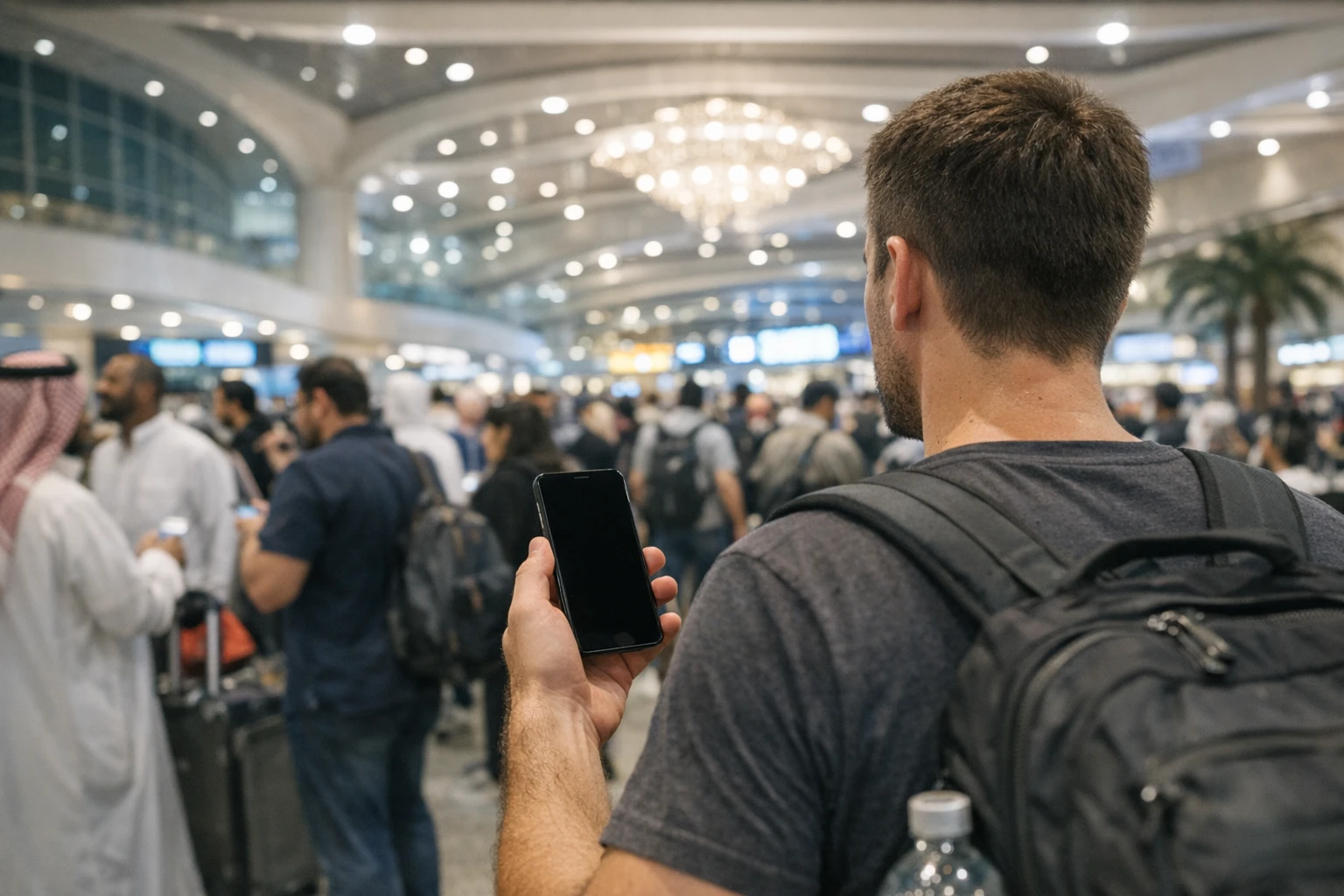
There’s a particular kind of helplessness in standing in a vast arrivals hall with no signal: unable to summon a car, unable to open the permit that gets you into the Haram, unable to send the one message your mother is waiting for. Connectivity on Umrah isn’t a luxury — it’s how you book rides, retrieve your Nusuk permit, find a companion lost in a crowd and reassure the people whose prayers are travelling with you. The good news is that Saudi Arabia’s networks are genuinely excellent, and getting online is a solved problem. The only real question is which of three routes suits you, and the answer depends on your phone, the length of your stay and how much you mind paying for convenience.
Those three routes are: a travel eSIM bought before you leave home, a local SIM card bought in Saudi Arabia after you land, or simply letting your home network roam. Each has a proper use. Let’s price them honestly, as of mid-2026, and then deal with the complications nobody mentions until they bite — the one-time passcodes, the dead zones and the parent who has never opened their settings app.
Route one: the travel eSIM, sorted from your sofa
If your phone is reasonably modern and not locked to your home carrier, the eSIM is the most graceful option, because it solves the worst connectivity moment of the whole trip: the gap between the aircraft doors opening and your first bar of signal. An eSIM is a digital SIM you install by scanning a QR code — no plastic, no tray pin, no queue. You buy it at home days before departure, install it while you still have fast familiar Wi-Fi, and simply switch it on when you land in Jeddah.
The main providers — Airalo, Saily and Holafly — all sell Saudi plans, and as of mid-2026 the pricing is refreshingly transparent. Saily’s Saudi data starts around USD 4.50 for a small starter plan; Airalo’s runs from roughly USD 5 for 1GB up to about USD 49 for 25GB valid across a month and a half, with sensible tiers between. Holafly sells unlimited-data plans instead — typically around USD 27 for a week and USD 75 for a month — which suits heavy users who’d rather not count gigabytes. These figures drift with promotions, so check the app before buying, but the shape of the market is stable: somewhere between USD 4 and 5 per gigabyte for flexible plans, less as you buy bigger.
Now the caveat that matters. Nearly all travel eSIMs are data-only. You get fast local internet, often riding on Zain’s or Mobily’s towers, but you do not get a Saudi phone number. You can’t make ordinary calls, and — more importantly — you can’t receive SMS. For most pilgrims this is fine, because everything that matters runs on data: WhatsApp, maps, Careem, Nusuk. But it creates one specific problem serious enough to earn its own section below.
Route two: a local SIM card in Saudi Arabia
The Kingdom has three operators, and all three are good in the holy cities. STC has historically the deepest coverage and is the safe default if you’ll travel beyond Makkah and Madinah. Mobily usually prices its visitor bundles most keenly. Zain sits competitively between them. All three run staffed counters in the arrivals areas at Jeddah and Madinah airports, plus countless shops near the hotels in both cities.
As of mid-2026, visitor packages cluster in a familiar range. Zain’s entry-level visitor bundle has sold at around SAR 40 for 7GB and some call minutes over two weeks; Mobily’s bigger visitor tier has offered roughly 55GB with a few hundred minutes for about SAR 103 over a month; STC runs comparable tourist tiers across several price points. Treat those as the shape of the market rather than a quotation — promotions shift with the seasons — but expect to pay somewhere between SAR 40 and SAR 150 depending on appetite. Per gigabyte, a local SIM comfortably beats any travel eSIM once you’re buying 20GB or more.
Registration is a legal requirement, not red tape you can charm your way past. You’ll need your passport, and the assistant registers the line against your identity using the border number issued when you cleared immigration; at many counters a fingerprint scan is part of the process. It takes ten or fifteen minutes when the queue is short — and the queue at Jeddah airport after a big arrival wave is rarely short. City shops are calmer, sometimes a touch cheaper, and a perfectly good place to buy on day two instead. What the paperwork buys you is the thing no travel eSIM provides: a real Saudi number that can receive calls and SMS.
Route three: roaming, the expensive default
Doing nothing is also a choice, and it’s usually the costliest one. If you simply land and let your home SIM roam, you’ll either pay per-megabyte rates that can turn a map search into real money, or your carrier will enrol you in a daily travel pass. As of mid-2026 the big American carriers charge in the region of USD 10 to 12 per day for their passes; British carriers span from a couple of pounds to around eight per day depending on network and plan. That sounds tolerable until you multiply it: a two-week Umrah on a USD 12 daily pass is roughly USD 168 for data you could have bought locally for a tenth of that.
Roaming earns its keep in two situations only: a very short trip of three or four days, where the simplicity outweighs the cost, or a plan that genuinely includes Saudi roaming at no extra charge — a few carriers, particularly some American ones, bundle international data into their premium tiers. Check your own plan’s terms before you dismiss it; just don’t let inertia make the decision for you.
What coverage is actually like in the holy cities
Here’s the honest picture. All three networks are strong across Makkah and Madinah, 5G is widespread, and on an ordinary afternoon your data will be faster than your hotel Wi-Fi. The complications are specific and predictable. First, congestion: in the minutes after each congregational prayer, tens of thousands of phones reconnect at once around the Haram, and every network slows to a crawl. This isn’t a coverage failure you can buy your way out of — it passes within half an hour, and the fix is patience plus offline maps downloaded in advance.
Second, the buildings themselves. The Grand Mosque is a colossal stone structure with deep basement levels, and signal inside the interior halls and the lower Mataf areas ranges from weak to absent. The same is true in hotel basements, underground walkways and parts of the big malls. Send your “I’m going in” message before you enter, agree a meeting point with your group in case messages don’t deliver, and treat a silent phone inside the mosque as normal rather than alarming. Our guide to location sharing and staying findable covers the family logistics properly.
The OTP problem, explained properly
This is the section to read twice, because it catches intelligent people every year. A great deal of modern life is secured by one-time passcodes sent by SMS: your bank confirming a card payment, your email provider verifying a new login, and — pointedly — Nusuk confirming account actions. If you land with a data-only eSIM and your home SIM switched off, those codes have nowhere to arrive, and you can find yourself locked out of your own bank at midnight in a hotel lobby.
There are three defences, and the best strategy uses all of them. First, keep your home SIM alive in the phone alongside your travel data — the next section explains how without incurring charges. Receiving an SMS while roaming costs nothing on almost every carrier, so your codes still arrive even though your data runs on the eSIM. Second, before you travel, switch whatever accounts allow it from SMS verification to an authenticator app or email verification, which work anywhere there’s data. Third, make sure your Nusuk account is fully set up, verified and tested at home, so you aren’t performing account recovery from an airport bench. Pilgrims who buy a local SIM have a fourth option — a Saudi number — but note that updating your bank’s registered number to a two-week Saudi SIM creates more problems than it solves. Keep the home number for banking; use the local number for local life.
Dual SIM juggling, in plain English
Modern phones hold two lines at once — typically your physical home SIM plus an eSIM, or two eSIMs. The setup that works for pilgrims is simple once you’ve seen it written down. Your home SIM stays in the phone and stays switched on, but with data roaming turned off so it can’t quietly bill you; its only job is receiving SMS codes and the odd urgent call. Your travel eSIM or Saudi SIM is set as the mobile data line, and everything — WhatsApp, maps, Careem — flows through it. In your settings this is usually two toggles: “Mobile data: travel eSIM” and “Data roaming: off” on the home line. Set it up before you fly, in the calm of your kitchen, and test it by turning off Wi-Fi and loading a webpage. That’s the whole trick, and it means your home number never dies, your bank can always reach you, and your data costs pennies per gigabyte instead of pounds.
Wi-Fi: hotels, trains and the Haram itself
Wi-Fi in Saudi Arabia is plentiful but uneven. Every hotel offers it; quality ranges from excellent in the newer towers to barely functional in budget buildings where four hundred pilgrims share one connection, so plan to use it for heavy lifting — video calls home, photo backups, app updates — rather than depending on it. The Haramain high-speed trains offer onboard Wi-Fi too. And the mosques themselves are covered: Saudi authorities have rolled out free Wi-Fi across the Grand Mosque and the major holy sites, with thousands of access points installed for recent seasons. As of mid-2026 it works, it’s free, and it slows noticeably at peak times — useful as a backup in exactly the deep-interior spots where mobile signal fails, not a substitute for your own data.
One caution belongs with every open network: shared Wi-Fi is convenient but not private. Don’t do your banking on the mosque or mall network without protection, and read our guide to protecting your data and devices before you travel — it covers public Wi-Fi properly.
One SIM, four phones: the family hotspot
Families often overbuy. You don’t need five data plans for five people who’ll spend the trip within a hundred metres of each other. One generous bundle — say Mobily’s 55GB visitor tier or a 20GB eSIM — shared from one phone’s hotspot will keep four devices in WhatsApp, maps and Quran apps quite happily. The person carrying the hotspot phone needs a power bank, because sharing a connection drains a battery fast, and the family needs one agreed rule: the hotspot phone stays with the group. A sensible middle path for larger families is two data lines — one per parent — so the group can split for men’s and women’s sections without anyone going dark.
How much data do you actually need?
More than the optimists say, less than the sellers imply. Messaging and browsing sip data; the two things that gulp it are live maps and video calls. An hour of video calling home consumes somewhere between half a gigabyte and a full one depending on quality, and pilgrims call home far more than they expect to — the first sight of the Ka’bah has a way of demanding a face-to-face retelling. Budget realistically: a light user who leans on hotel Wi-Fi gets through 500MB a day; a normal user with daily video calls and constant maps uses 1GB; a heavy user — long calls, photo sharing, some streaming — genuinely reaches 2GB a day. For a two-week trip that puts most people between 10GB and 20GB, which is exactly where the local visitor bundles are priced. Downloading your maps, translation packs and Quran audio at home, as set out in our apps guide, cuts the total meaningfully.
Setting up connectivity for elderly companions
If you’re travelling with parents or grandparents, do not hand them a QR code and an instruction leaflet at the departure gate. Set their phones up at home, side by side with yours, a week before you fly. Install the eSIM or plan the SIM purchase, configure the dual-SIM toggles yourself, test that WhatsApp rings, and write the essentials — your number, the hotel name, the group leader’s number — on a paper card for their wallet, because paper needs no battery. If they’re buying a local SIM, they must be physically present at the counter with their own passport, since registration is per person; the airport kiosk is actually easiest here, because the staff do everything while you supervise. And consider whether they need their own data at all — an elderly pilgrim who is never out of your sight may be better served by your hotspot and a phone that simply rings.
Deciding your route this week
Here is the decision, compressed. Staying under five days, or blessed with a plan that includes Gulf roaming? Roam, and spare yourself the admin. Comfortable with settings and travelling one or two weeks? Buy a 10–20GB travel eSIM at home this week, keep your home SIM alive for SMS codes, and land connected. Staying longer, travelling as a family, or wanting a Saudi number for calls and deliveries? Plan a local SIM — ideally a quick eSIM for the landing gap, then a visitor bundle from a city shop once you’ve rested. Whichever route you choose, do the work before you fly: install, toggle, test. The whole point of getting connectivity right is that once you’re standing in front of the Ka’bah, you never have to think about it again.

Leave A Comment