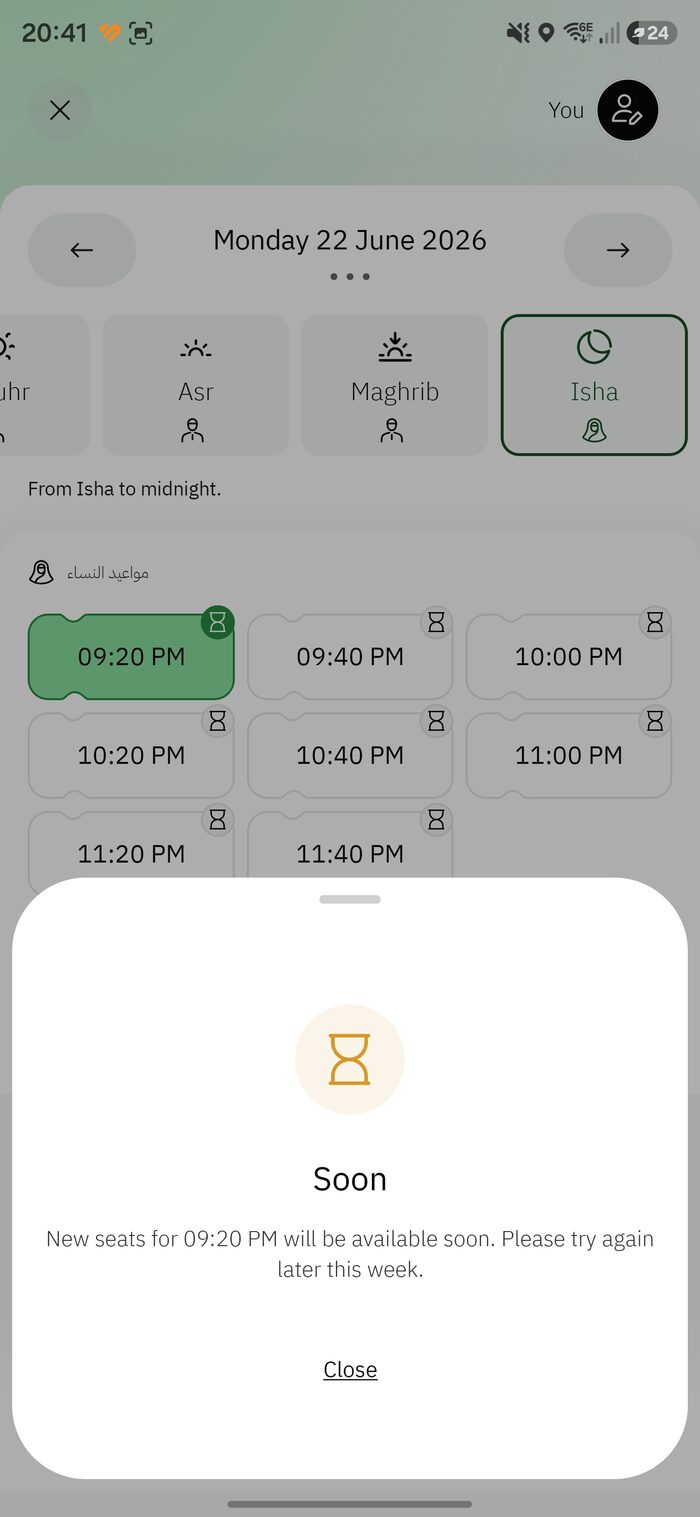
Rawdah seats are released in batches roughly every 20 minutes — the app even says “New Slots Every 20 Minutes.” If all you ever see is grey, “booked” or “Soon,” you’re probably just looking at the wrong moment. Here’s how to time it.
How releases work
- Weekly drop: a big batch usually opens about 7–10 days ahead, often around Friday (KSA time).
- Rolling 20-minute batches: fresh seats and no-shows are released at :00, :20 and :40 past the hour.
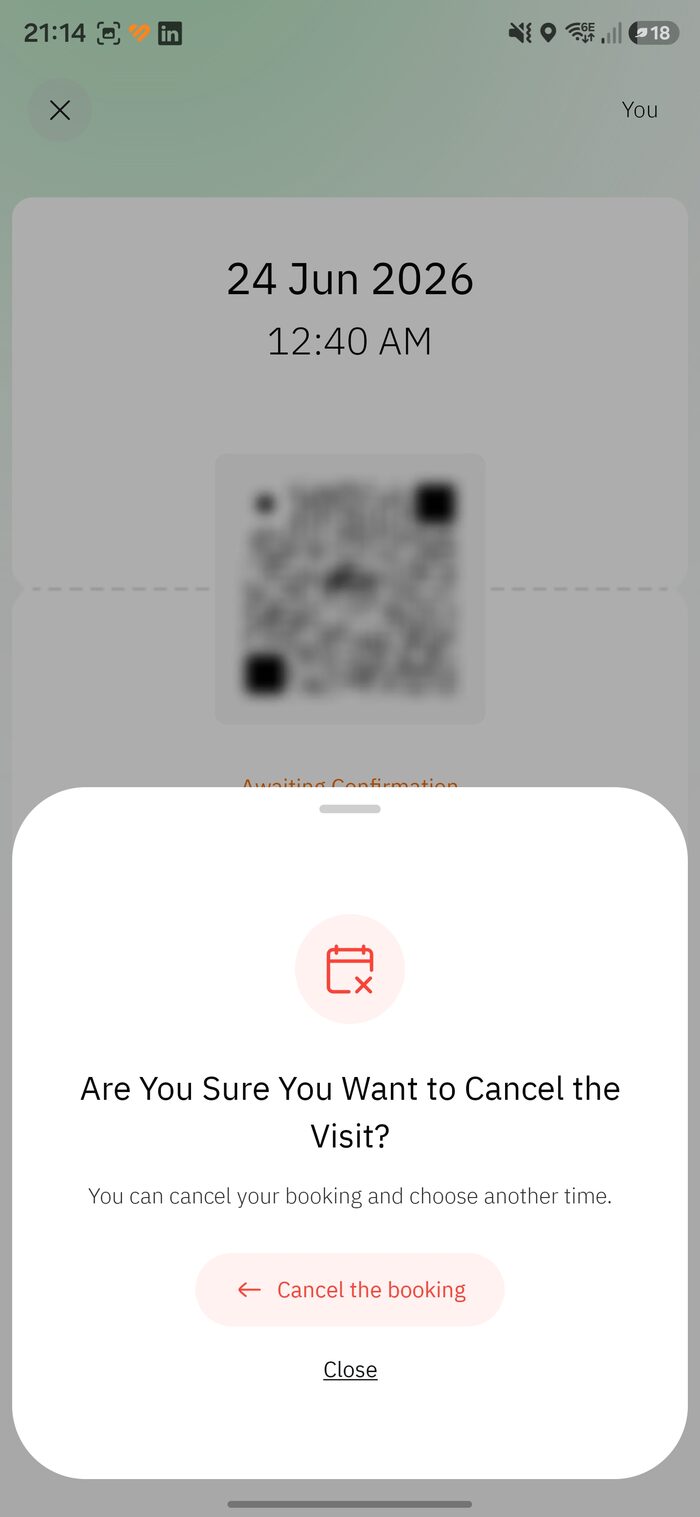
- Cancellations: seats can turn green at any hour, including late at night.
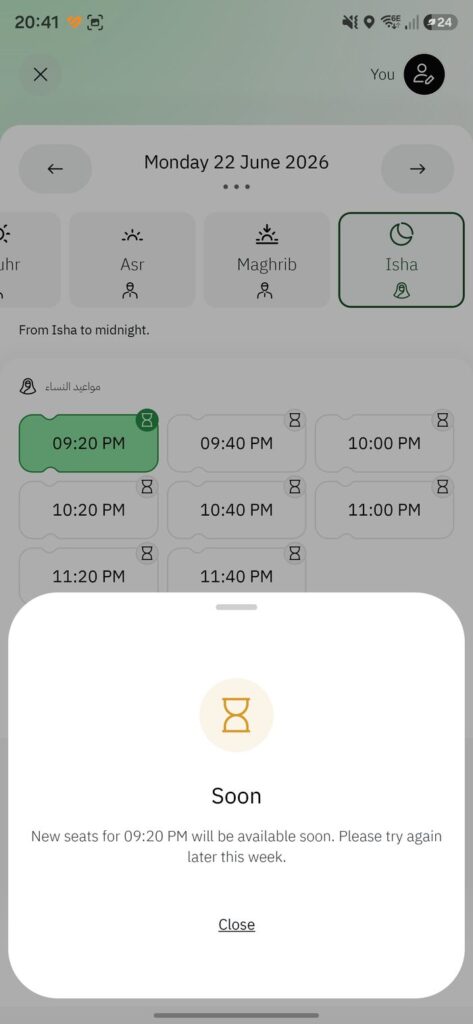
- The “Soon” badge means that batch hasn’t opened yet — it’s not an error.
The :00 / :20 / :40 refresh method
- Open the Rawdah booking and select your date and prayer period.
- A minute before :00, :20 or :40 (KSA time), keep the time list on screen.
- Exactly on the mark, refresh — pull down, or close and reopen the time screen.
- If green times appear, tap one and confirm immediately; they vanish in seconds.
- Nothing? Wait for the next mark, and try other prayer periods and nearby dates.
Don’t over-tapHammering refresh adds load and can briefly lock you out. One deliberate refresh on each 20-minute mark works far better.
TipBook before you fly. If you’re already in Madinah and stuck, see the Instant Track chapter.

Leave A Comment