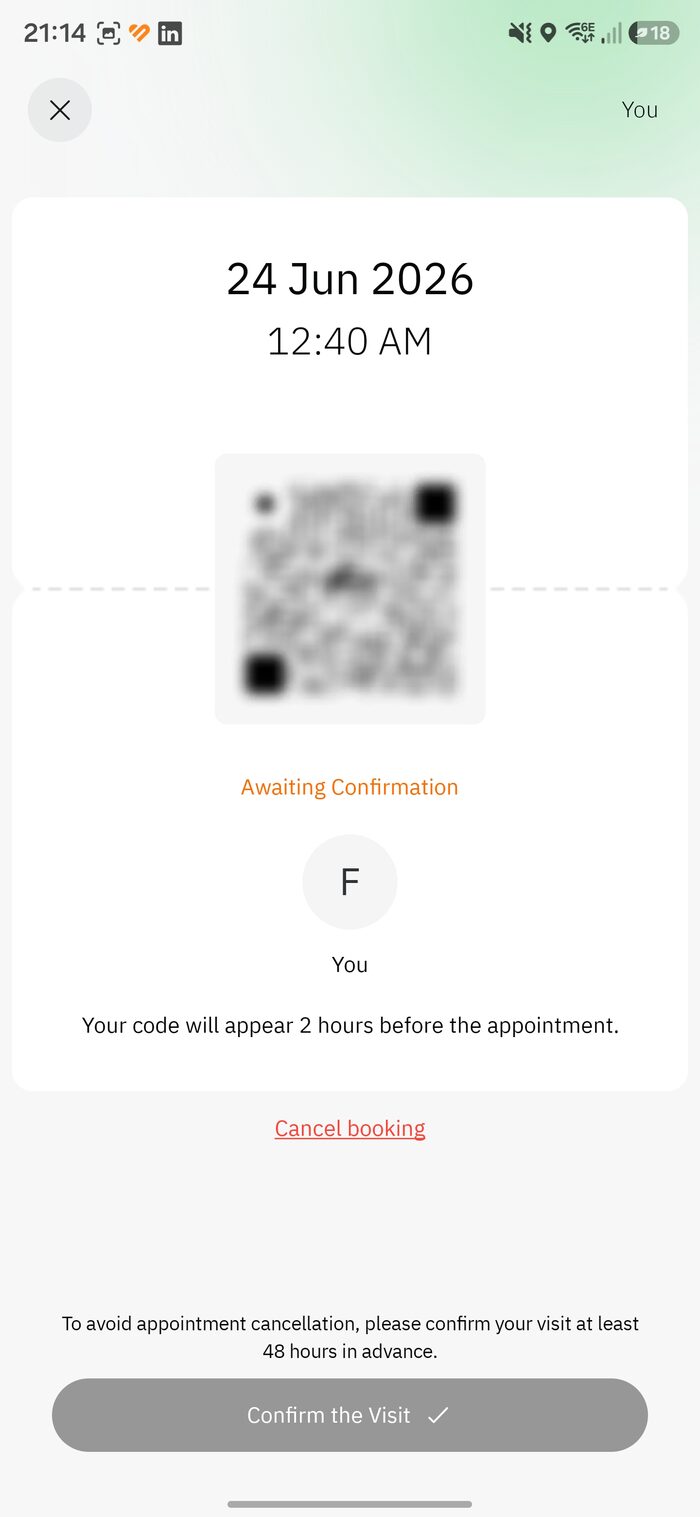
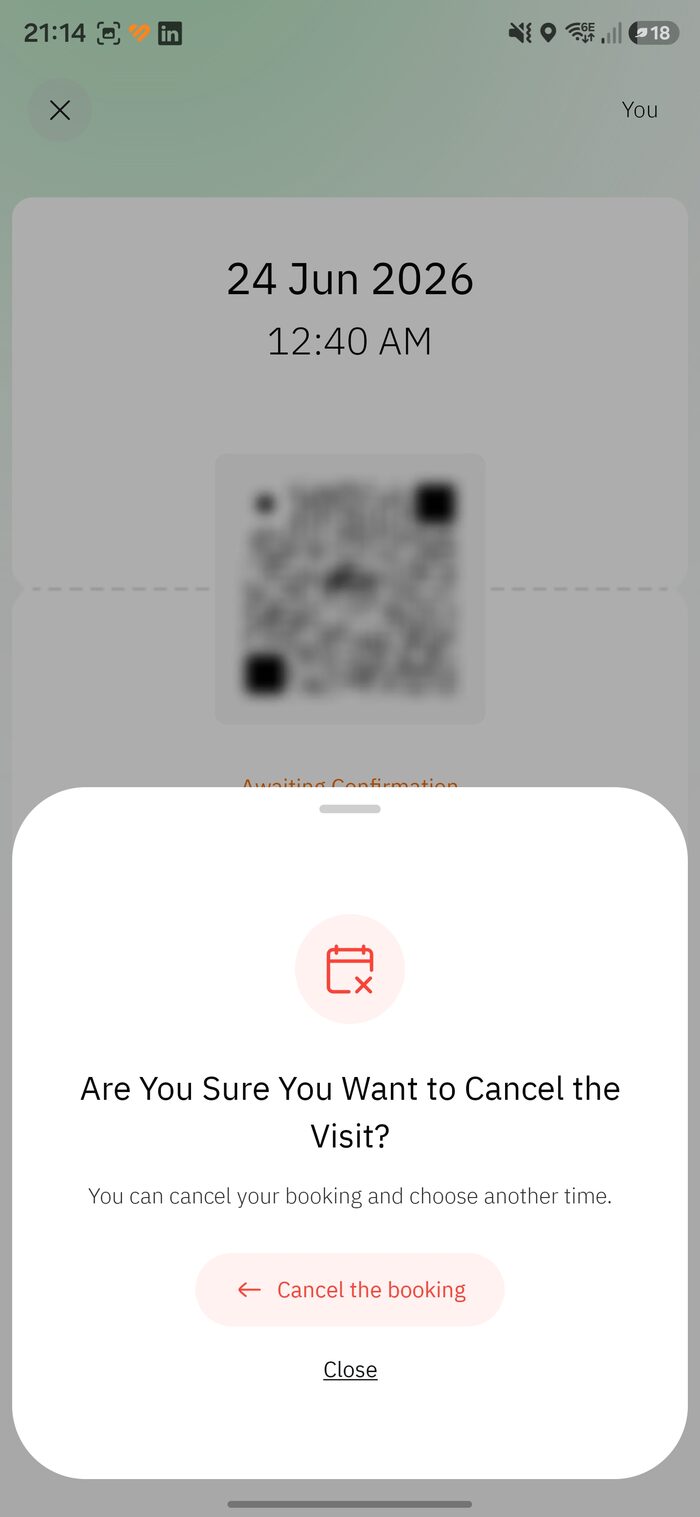
Booking a slot is only half the job. Your permit starts as “Awaiting Confirmation,” and you must actively confirm it — at least 48 hours before your appointment — or the system can cancel it and release your seat.
Don’t lose your slotForgetting this step is the single most common way people lose a Rawdah booking they worked hard to get. Keep notifications on and confirm as soon as the option appears.
1. Open the permit and tap “Confirm the Visit”
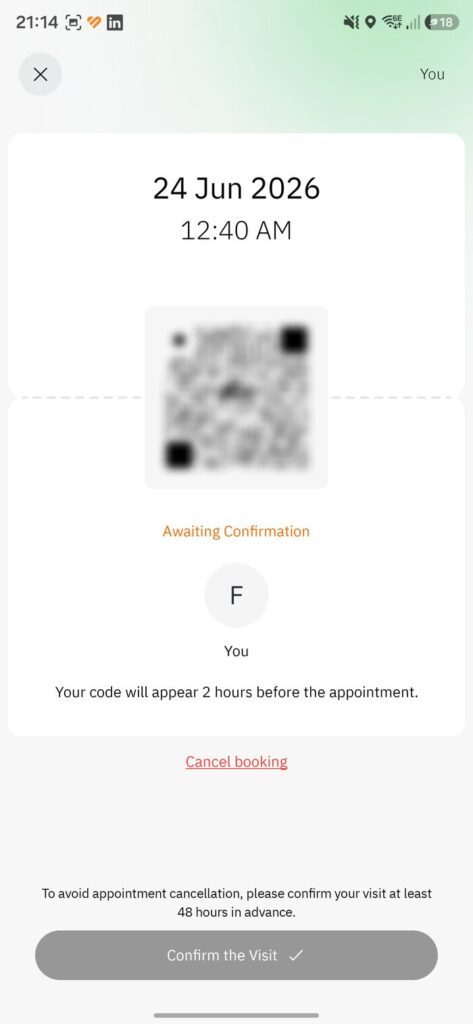
While the booking shows “Awaiting Confirmation” (orange), open it and tap Confirm the Visit. Two reminders appear:
“Your code will appear 2 hours before the appointment.”
“Confirm your visit at least 48 hours in advance.”
Awaiting Confirmation -> Confirm the Visit
2. Review the rules, then “Agree and Confirm”
A Terms & Conditions screen lists the items prohibited inside the Prophet’s Mosque. Make sure you won’t be carrying any of these, then tap Agree and Confirm:
Large & medium bags
Chemical & flammable items
Laptops & professional cameras
Weapons & sharp objects
National flags & banners
Food, drinks & water
3. “Reservation confirmed”
Once you agree, the status changes from the orange “Awaiting Confirmation” to a gold “Reservation confirmed.” Your visit is locked in. The QR / entry code still only appears 2 hours before your appointment, and you can re-open the permit any time to check the details. Next: head to the right gate — see the Gates & timing chapter.
Almost always because it was never confirmed. Permits left on Awaiting Confirmation can be cancelled by the system and the seat released to someone else — confirming at least 48 hours ahead prevents this.
As soon as the Confirm the Visit button appears. The hard deadline is 48 hours before your appointment — keep notifications on so you catch the reminder.
Two hours before your appointment, inside the permit. Confirming early does not reveal it sooner; open the permit again shortly before you head to the gate.
Large and medium bags, laptops and professional cameras, food, drinks and water, chemical or flammable items, weapons and sharp objects, and flags or banners. Bring just your phone and essentials.
Leave A Comment