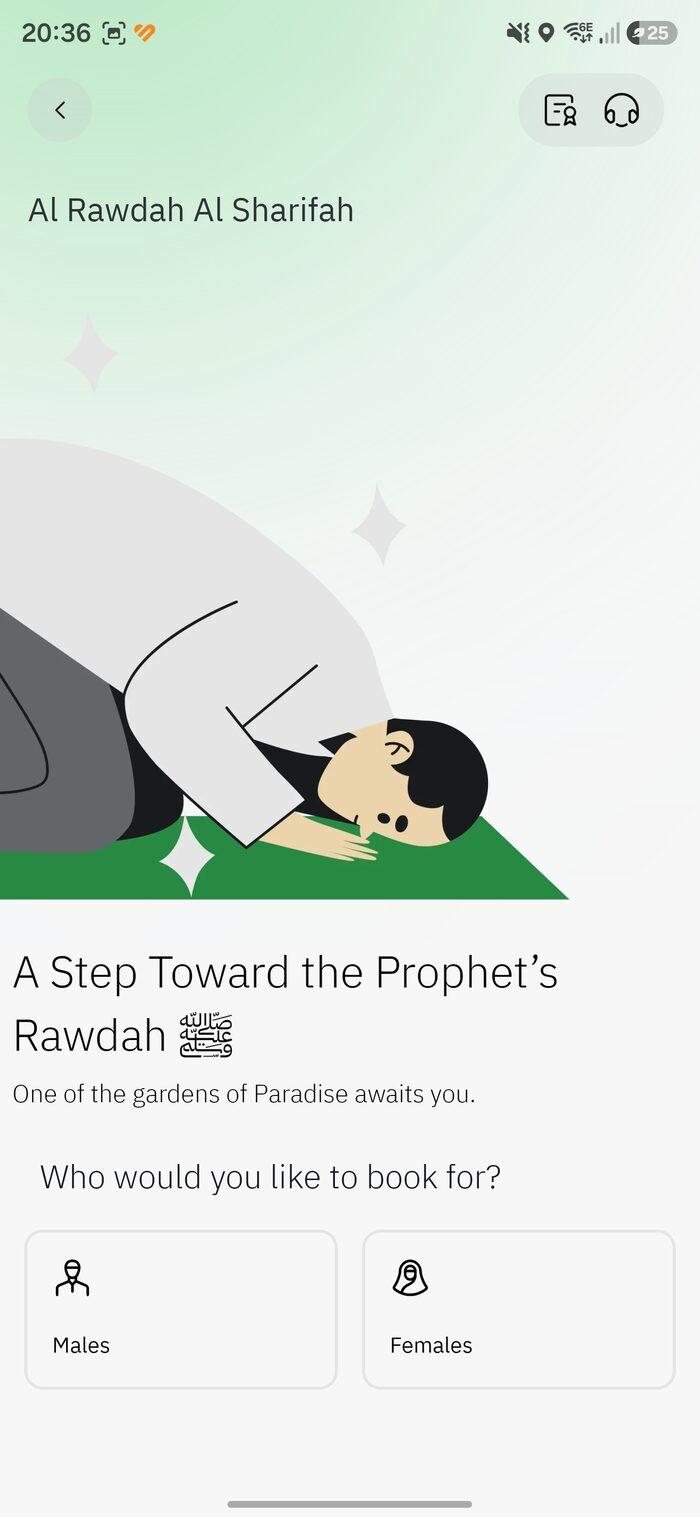
The Rawdah — الروضة الشريفة, “a garden from the gardens of Paradise” — sits in Masjid an-Nabawi in Madinah. Entry needs a free Nusuk permit, and booking is stricter than Umrah: separate times for men and women, a once-a-year limit, and a confirmation step you can’t skip.
1. Open Rawdah and choose who it’s for
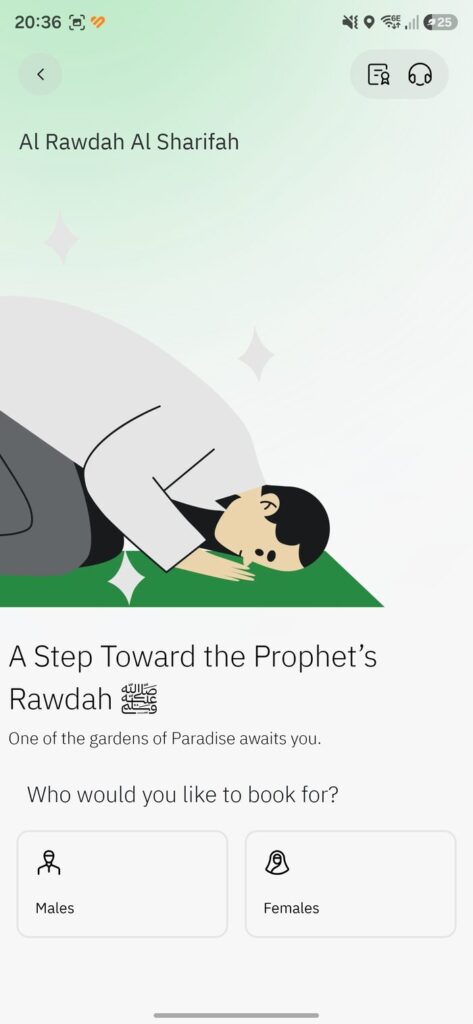
Tap the Rawdah tile. On the “Al Rawdah Al Sharifah” screen, choose Males or Females — they visit at different times, so for a mixed family you’ll make separate bookings.
2. Select the pilgrims
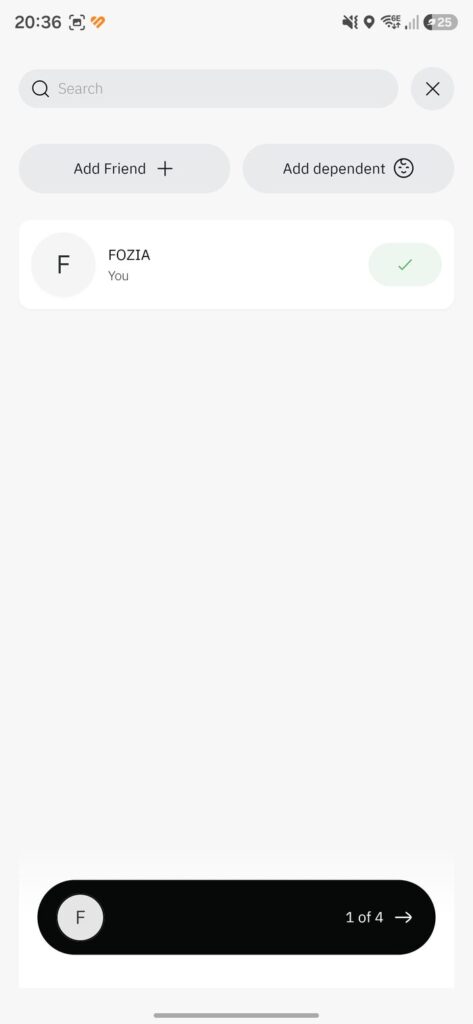
Your name is pre-selected (“You”). Add others with Add Friend or Add dependent. The bottom bar shows how many you’ve picked (e.g. “1 of 4”).
2a. Add a friend by Nusuk ID
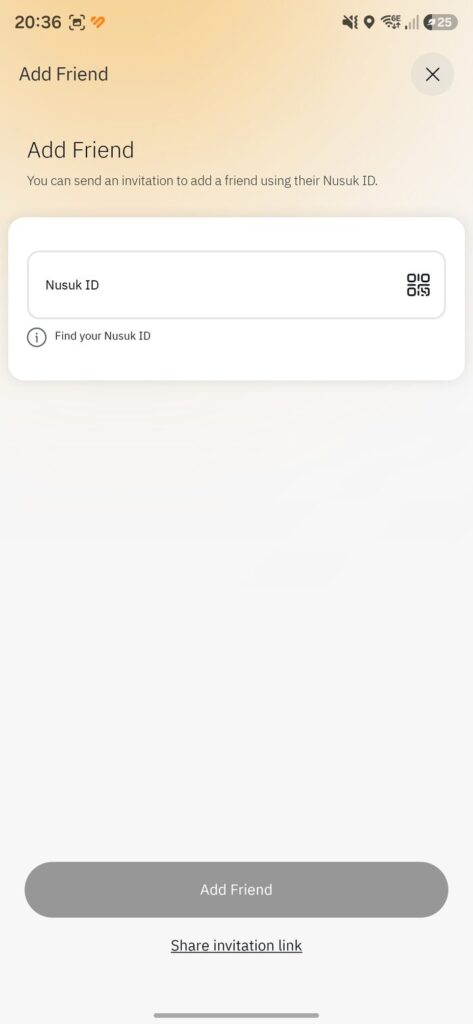
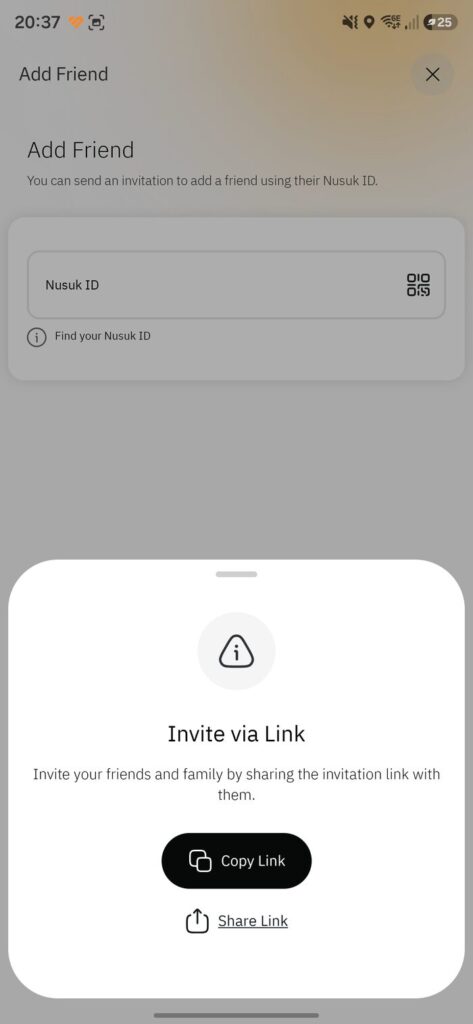
Every registered user has a Nusuk ID. Enter your friend’s ID (or scan their QR), then tap Add Friend. Use “Find your Nusuk ID” to locate your own.
2b. …or invite by link
No ID handy? Tap Share invitation link and send it via WhatsApp or message. Your companion installs Nusuk, registers, and is linked to you.
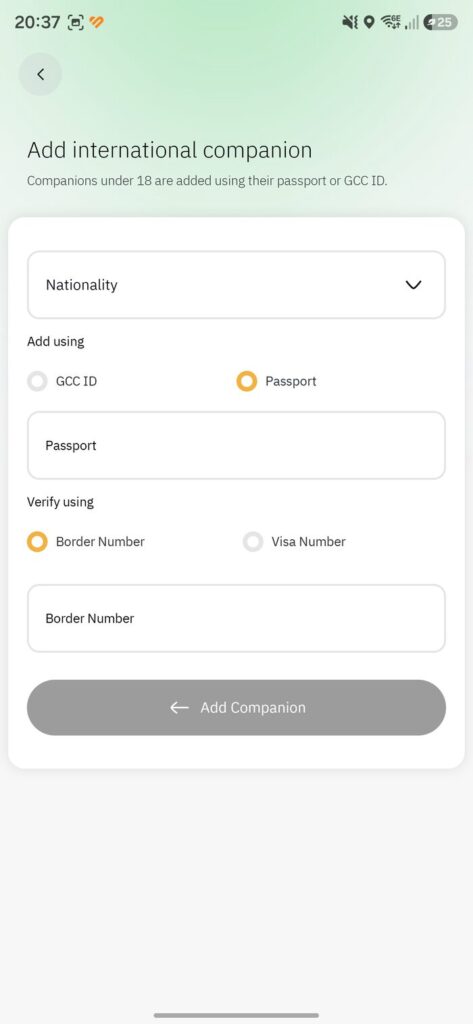
2c. Add an international companion
Add companions (including under-18s) with their details: nationality, GCC ID or passport, then verify with their border number or visa number. Tap Add Companion.
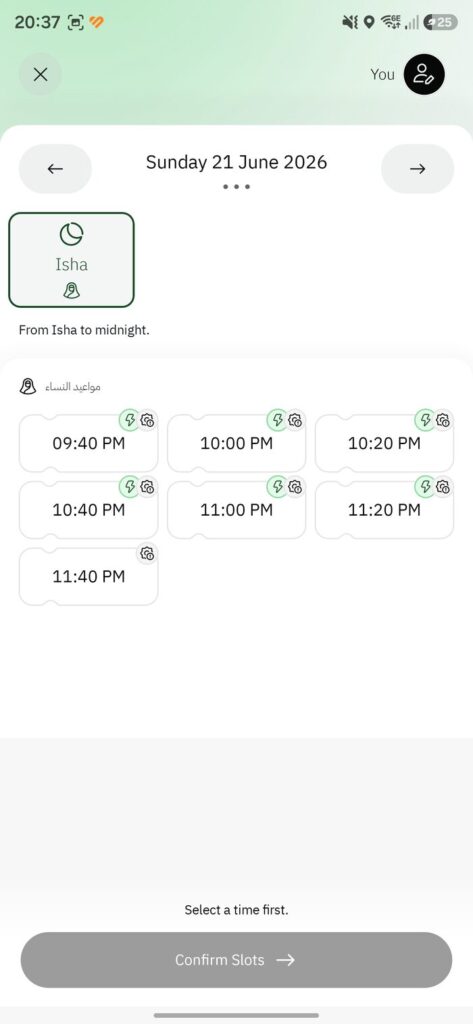
3. Choose a date and time
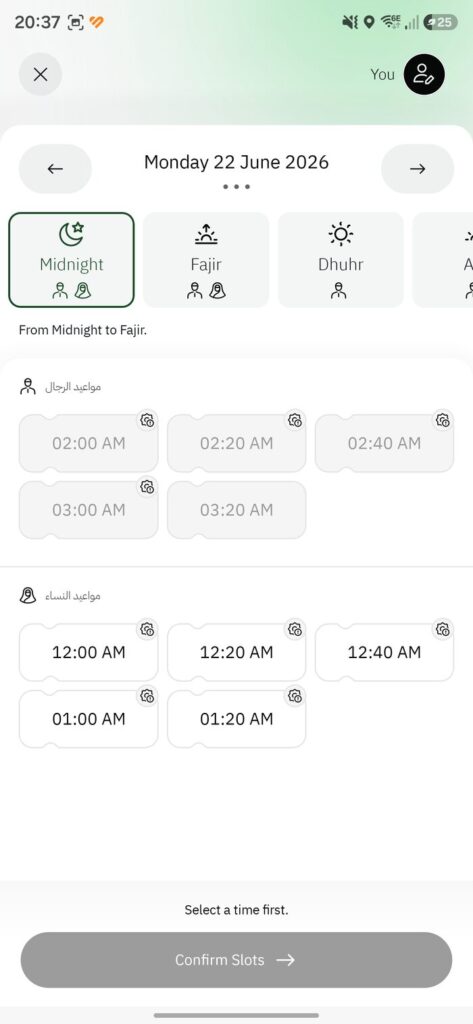
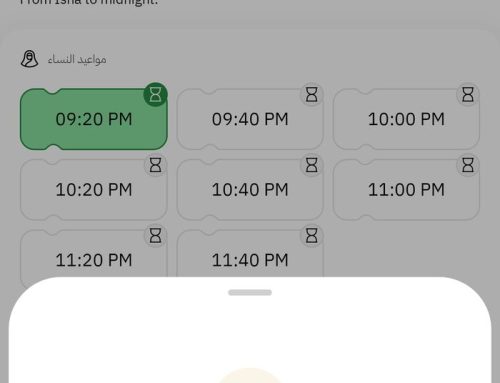
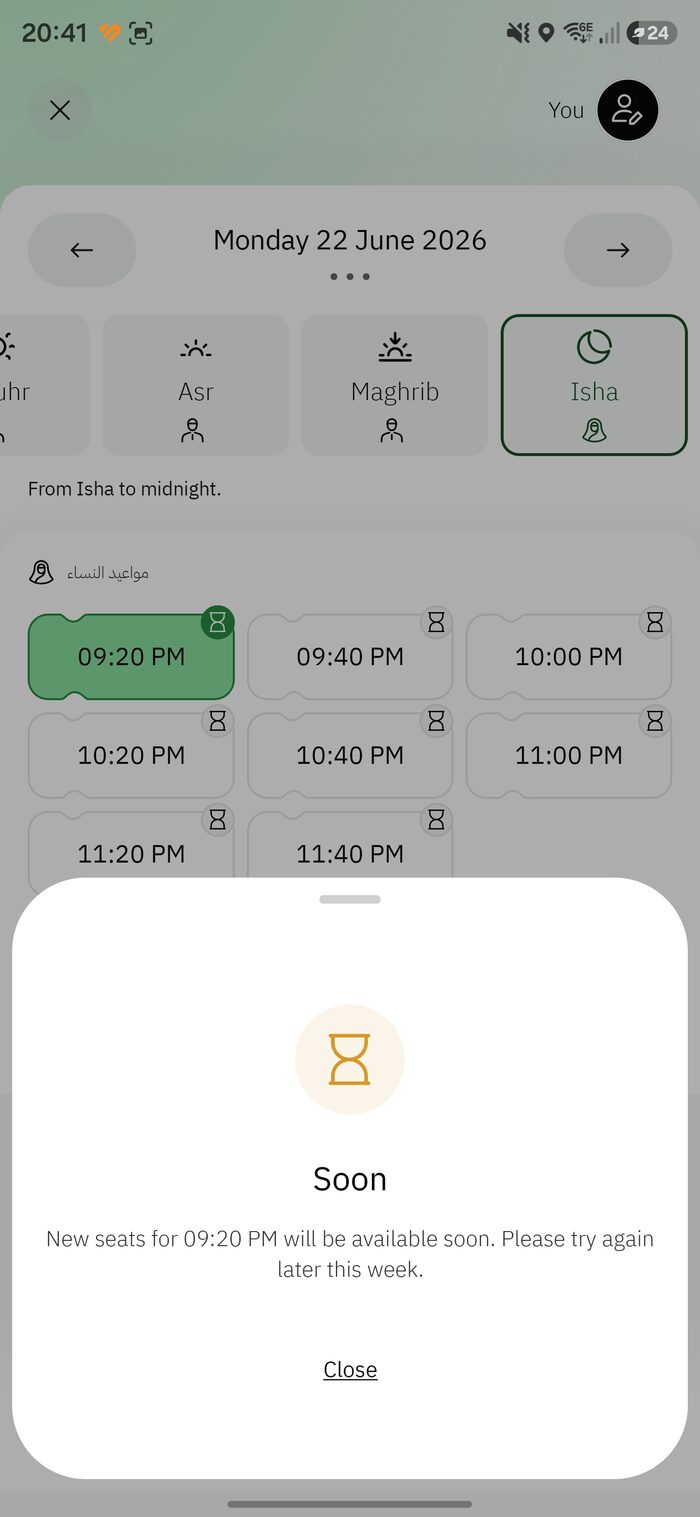
Pick a date, a prayer-period tab (Midnight, Fajir, Dhuhr, Asr, Maghrib, Isha) and a time. The Arabic labels tell you the gender of each list: مواعيد الرجال = Men’s times; مواعيد النساء = Women’s times. A small lightning bolt means open now; an hourglass means seats are coming soon. Greyed times aren’t available for your selection.
3b. Reading the men’s vs women’s lists
Here the men’s early-morning times are greyed out while the women’s times for the same period are open. Availability shifts constantly — change the date or period, or check back shortly. (More in the Find a Rawdah slot chapter.)
4. Confirm your booking
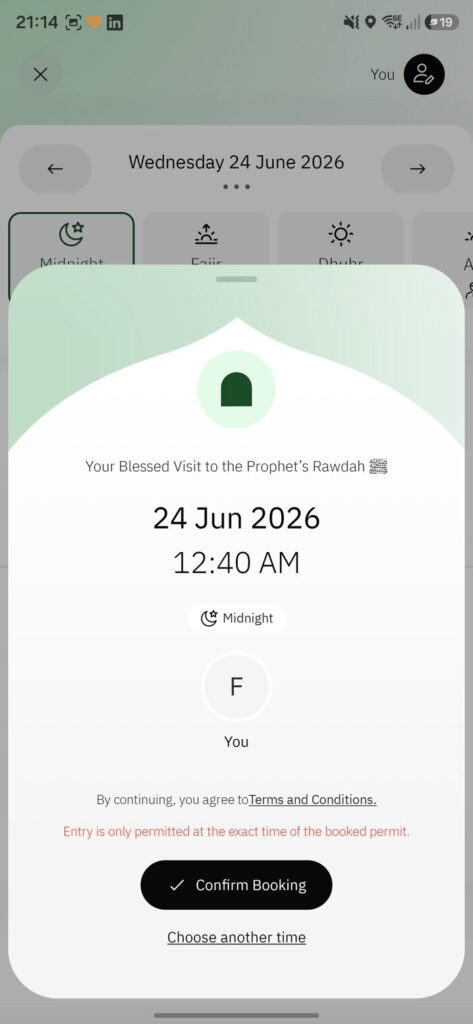
Review the summary — “Your Blessed Visit to the Prophet’s Rawdah,” with date, time and period — note that entry is only permitted at the exact time, accept the terms, and tap Confirm Booking.
5. Booking confirmed
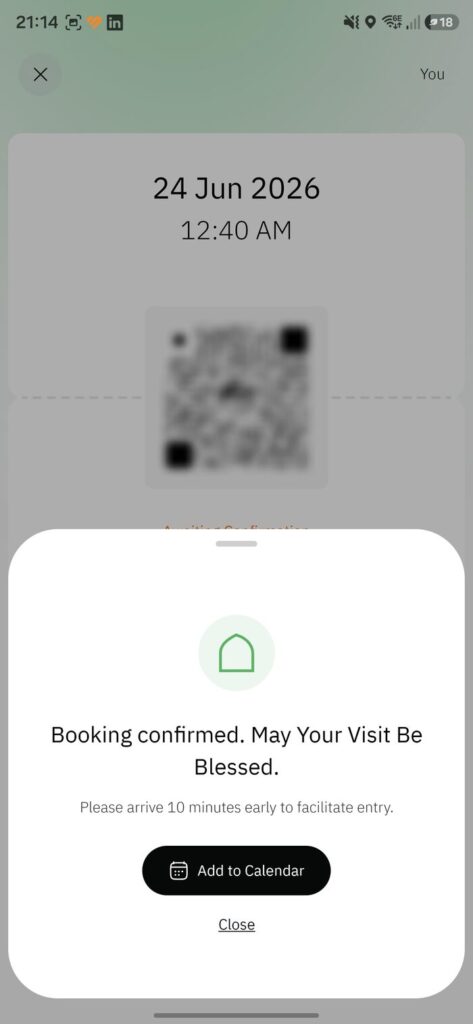
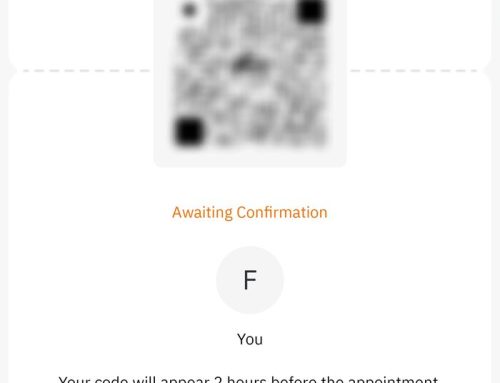
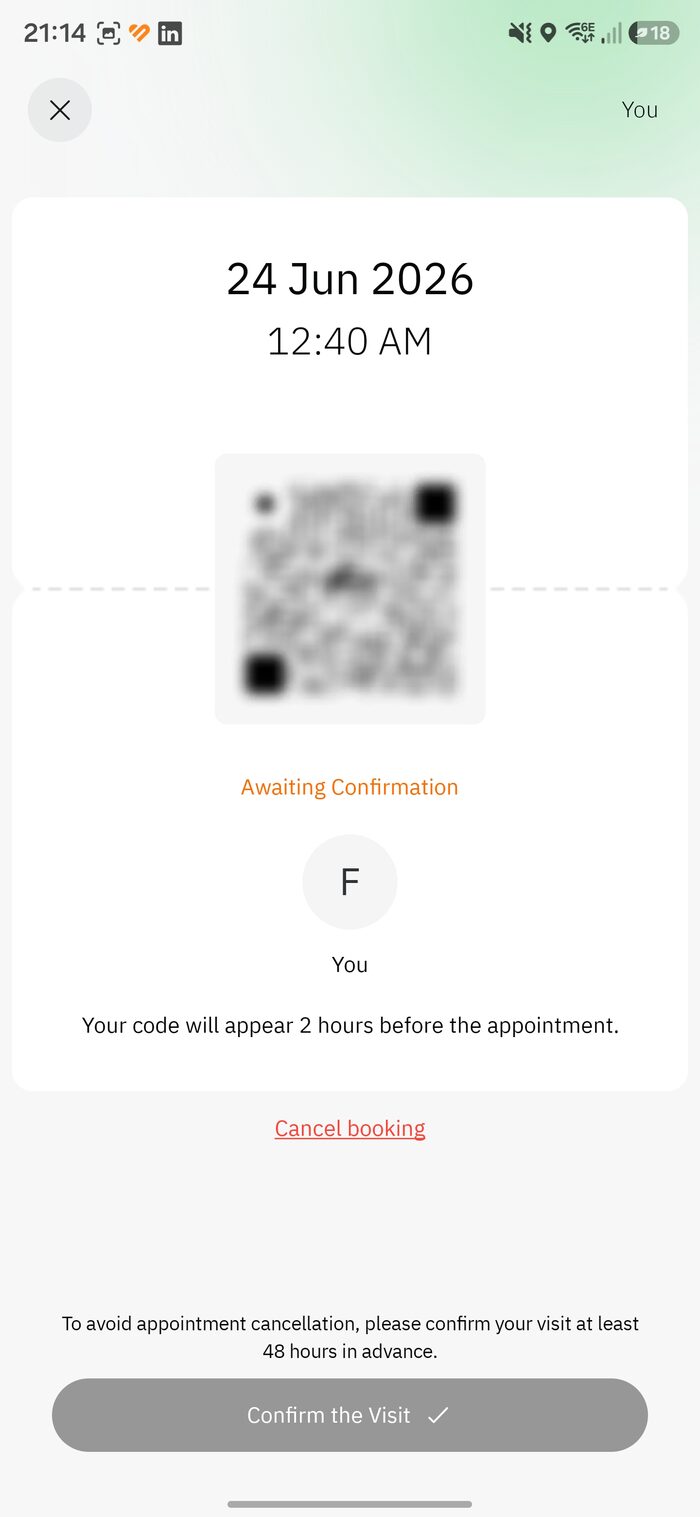
You’ll see “Booking confirmed. May Your Visit Be Blessed,” with a reminder to arrive early. You’re not done yet — next you must confirm the visit (see the next chapter).
Leave A Comment