If your plans change, cancel as early as you can so the seat goes to another pilgrim. It’s a few taps and an optional reason.
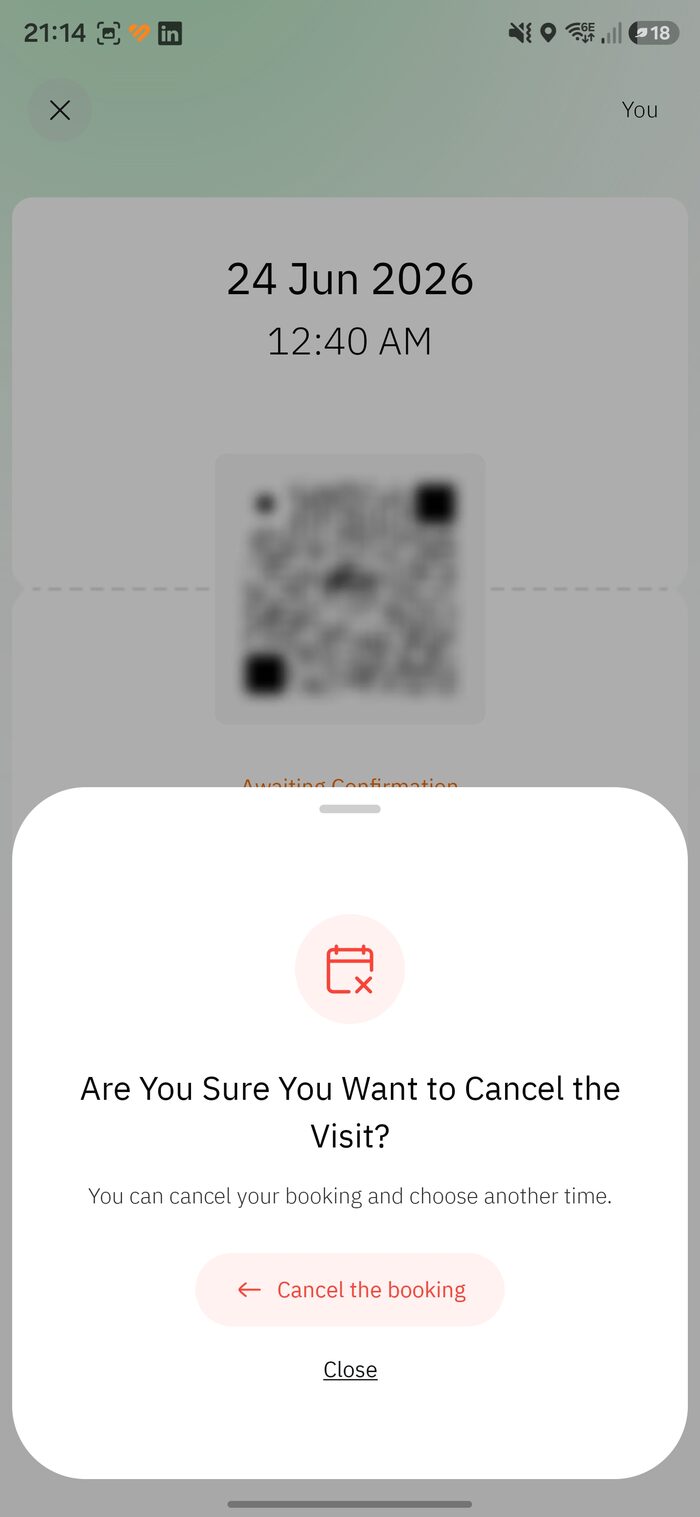
1. Open the permit and tap “Cancel booking”
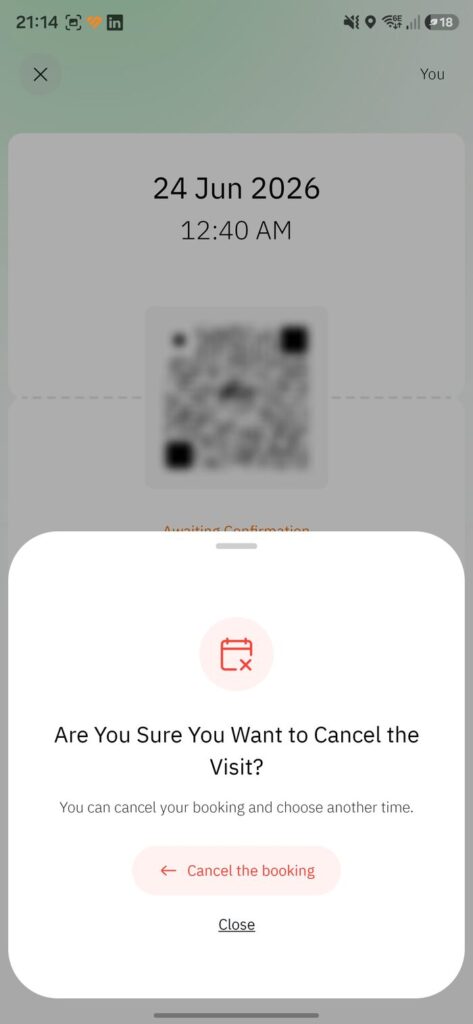
Open your Rawdah permit and tap Cancel booking. A check appears: “Are you sure you want to cancel the visit?” Tap Cancel the booking (or Close to keep it).
Confirm you want to cancel
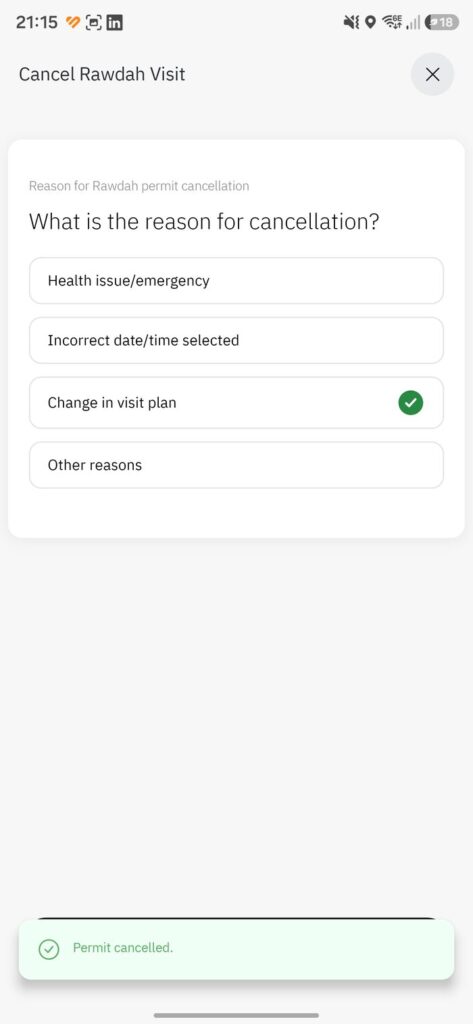
2. Choose a reason
Pick what fits — Health issue/emergency, Incorrect date/time, Change in visit plan, or Other. You’ll then see “Permit cancelled.”
Reason -> Permit cancelled
Think firstBecause the Rawdah is limited to once every 365 days, you may not be able to rebook within the same year — unless you qualify for Instant Track near the mosque. Only cancel if you’re sure.
Yes. The old once-every-365-days limit was lifted in January 2025, so cancelling does not lock you out for a year. The real obstacle is scarcity — new slots fill within seconds.
There is no reschedule button. Cancel the existing permit, then book a new slot — checking availability on the :00, :20 and :40 release marks before you let the old one go.
No. Permits are free and cancelling costs nothing. Cancelling early is the considerate move, since your seat goes back into the pool for other pilgrims.
Inside the permit itself: open your active Rawdah permit and the Cancel booking button is on the permit screen, followed by a confirmation check and a reason picker.


Leave A Comment